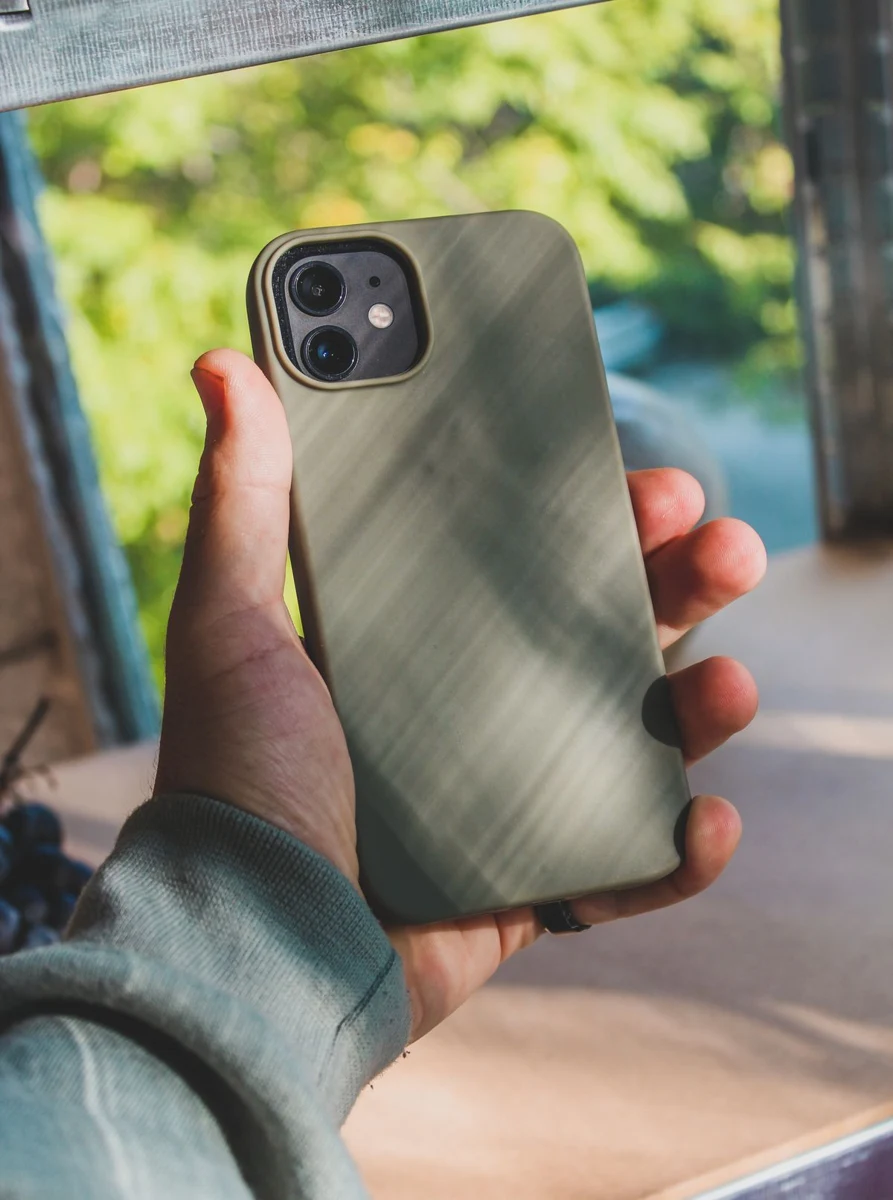
Best Seller
NOVA FORM
Minimal Matte Phone Case6.1-inch smartphones
€24.90
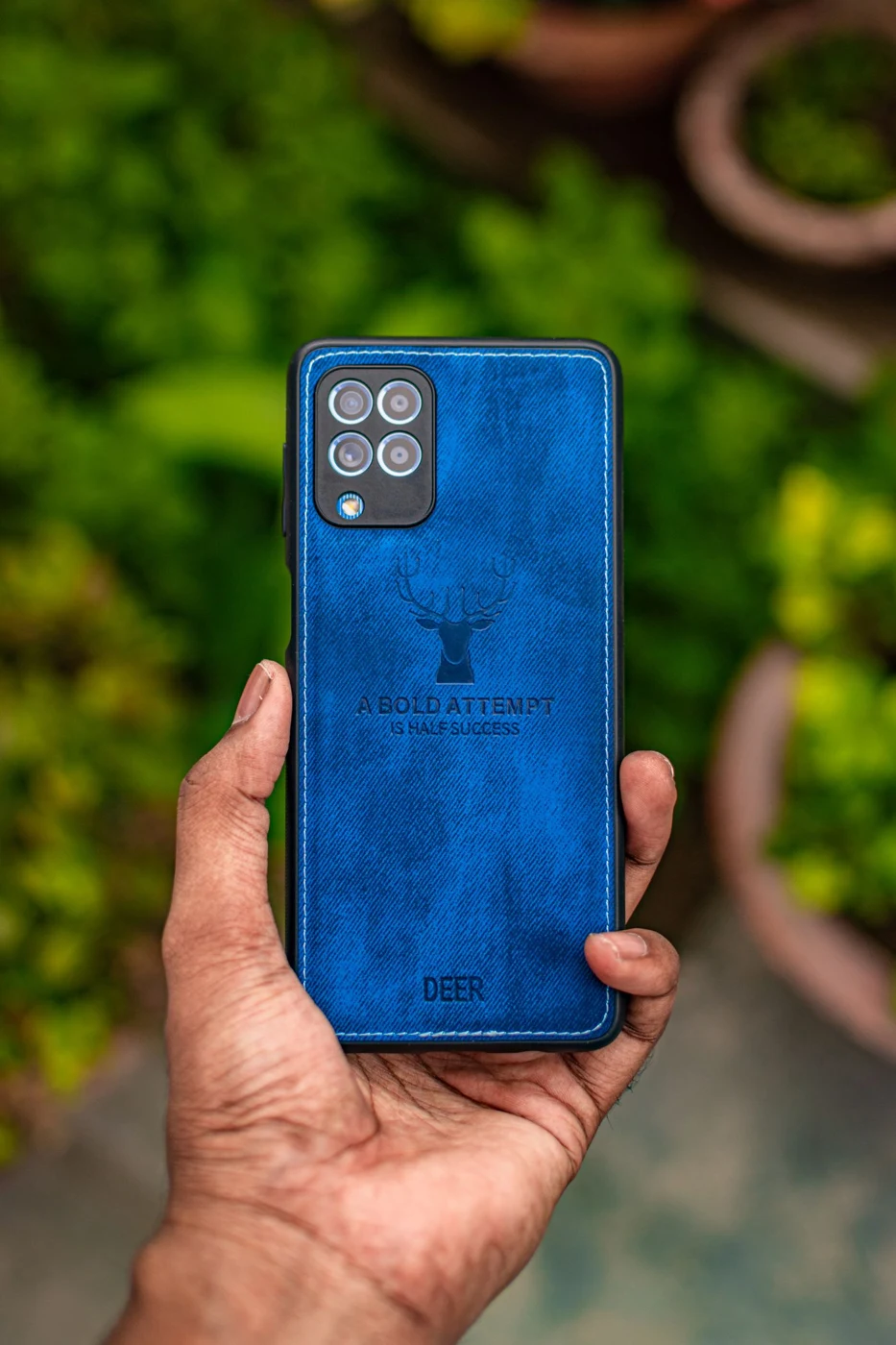
ATLAS MOBILE
Magnetic-compatible smartphones
VAT included · Midnight
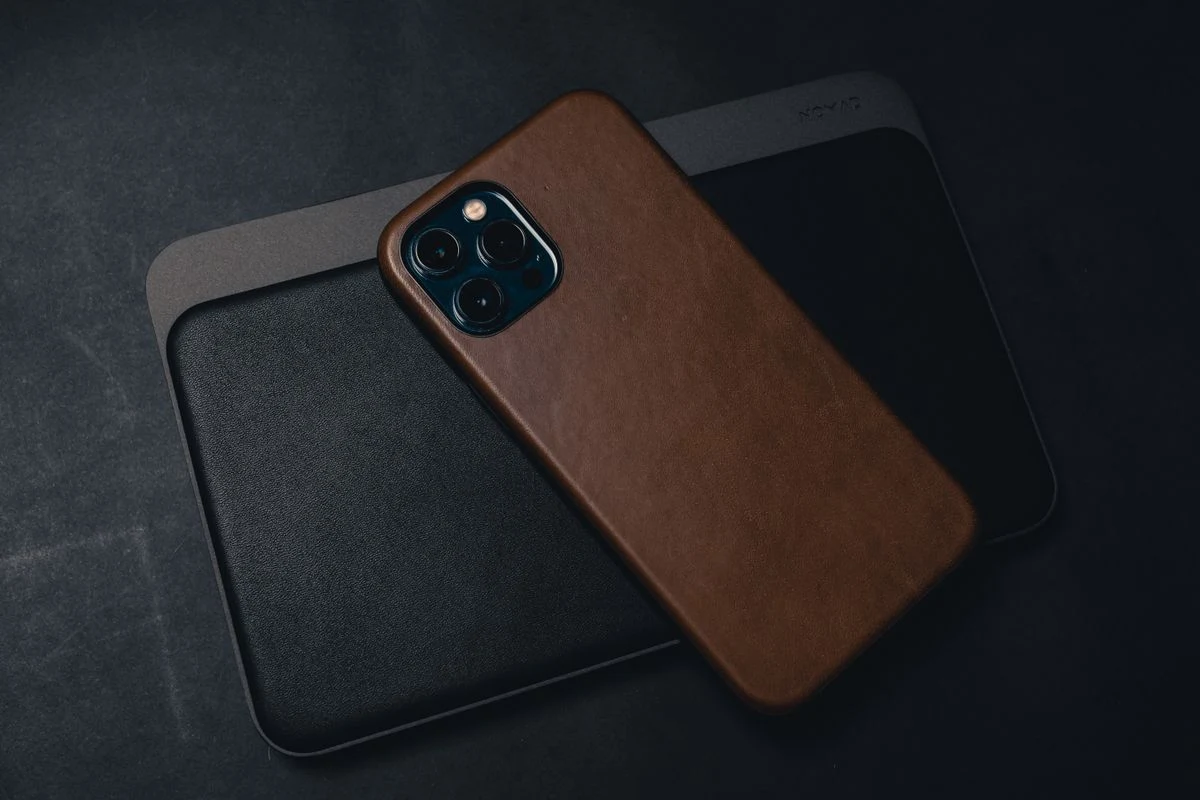
The Camera Protection Case is a case with a raised edge around the camera to help keep lenses off flat surfaces. It is designed to cover the back and edges of your phone during daily use while keeping buttons, ports and the camera accessible.
Made for the phone size shown above. Check the exact model name of your phone before ordering; contact us if you are unsure and we will help.
Colour: Midnight
Raised edge around the camera area · Raised lip around the screen · Cut-outs for ports and speaker
Remove the phone from any existing case, align the camera cut-out and press the case on from one corner to the other. Clean with a soft, slightly damp cloth.
Eligible purchases have a 14-day withdrawal period.
SKU: MOB-008
NOVA FORM
Minimal Matte Phone Case6.1-inch smartphones
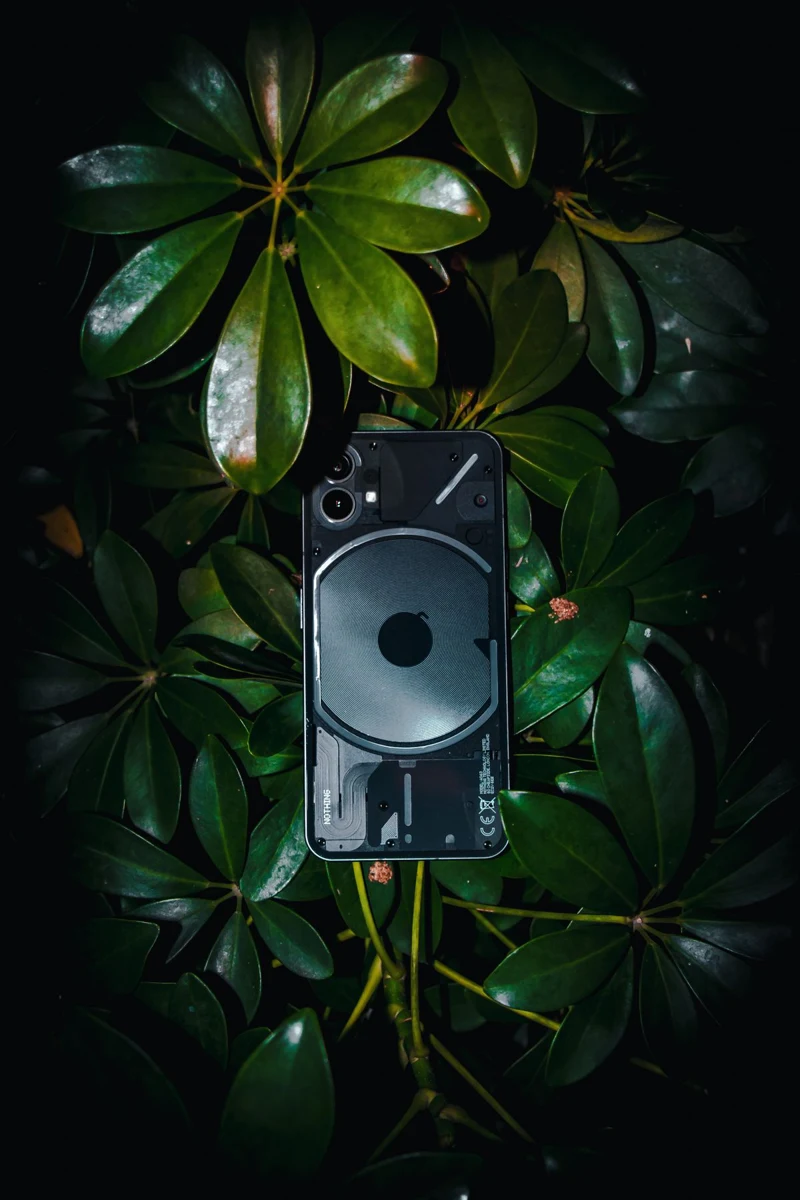
ARCEN
Clear Magnetic Phone CaseMagnetic-compatible smartphones
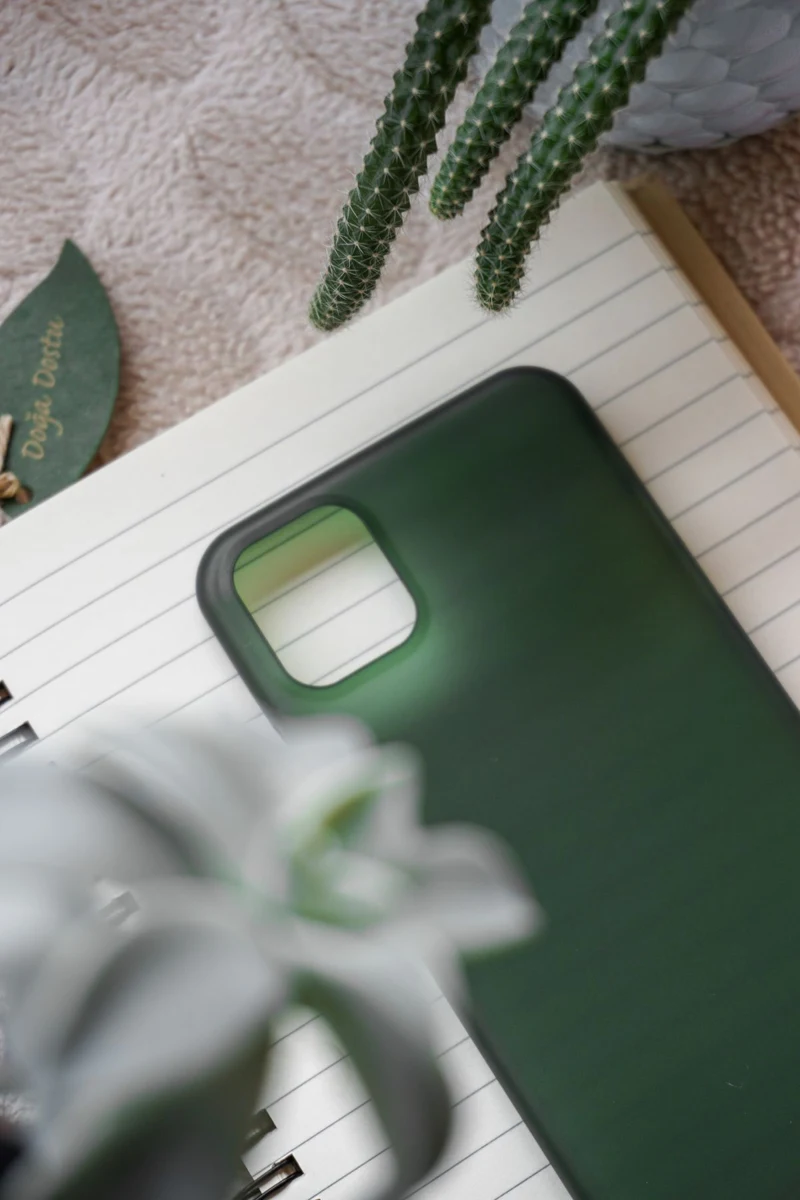
MONO TECH
Soft Silicone Protective Case6.7-inch smartphones
VELOR
Premium Leather-Style CaseMagnetic-compatible smartphones
ATLAS MOBILE · Phone Cases
Camera Protection Case: a case with a raised edge around the camera to help keep lenses off flat surfaces.
Remove the phone from any existing case, align the camera cut-out and press the case on from one corner to the other. Clean with a soft, slightly damp cloth.
Magnetic-compatible smartphones · Midnight. Raised edge around the camera area. Raised lip around the screen. Cut-outs for ports and speaker.
Made for the phone size shown above. Check the exact model name of your phone before ordering; contact us if you are unsure and we will help. Consult the included instructions and device guidance before connection or installation.
GOOD TO KNOW
From choosing compatible accessories to delivery, payment and returns — the details that matter before and after an order.
Contact customer careRemove the phone from any existing case, align the camera cut-out and press the case on from one corner to the other. Clean with a soft, slightly damp cloth.